

Skip to content
TCH Home
Skip to content

The TCH platform

One job. A record everyone can work from.

From the current drawing to a client’s decision, keep the people and the detail connected.

Get paid

From the work on site to money in the bank.

One connected record. Follow the instruction, the work, the client’s decision and the claim through one example job.

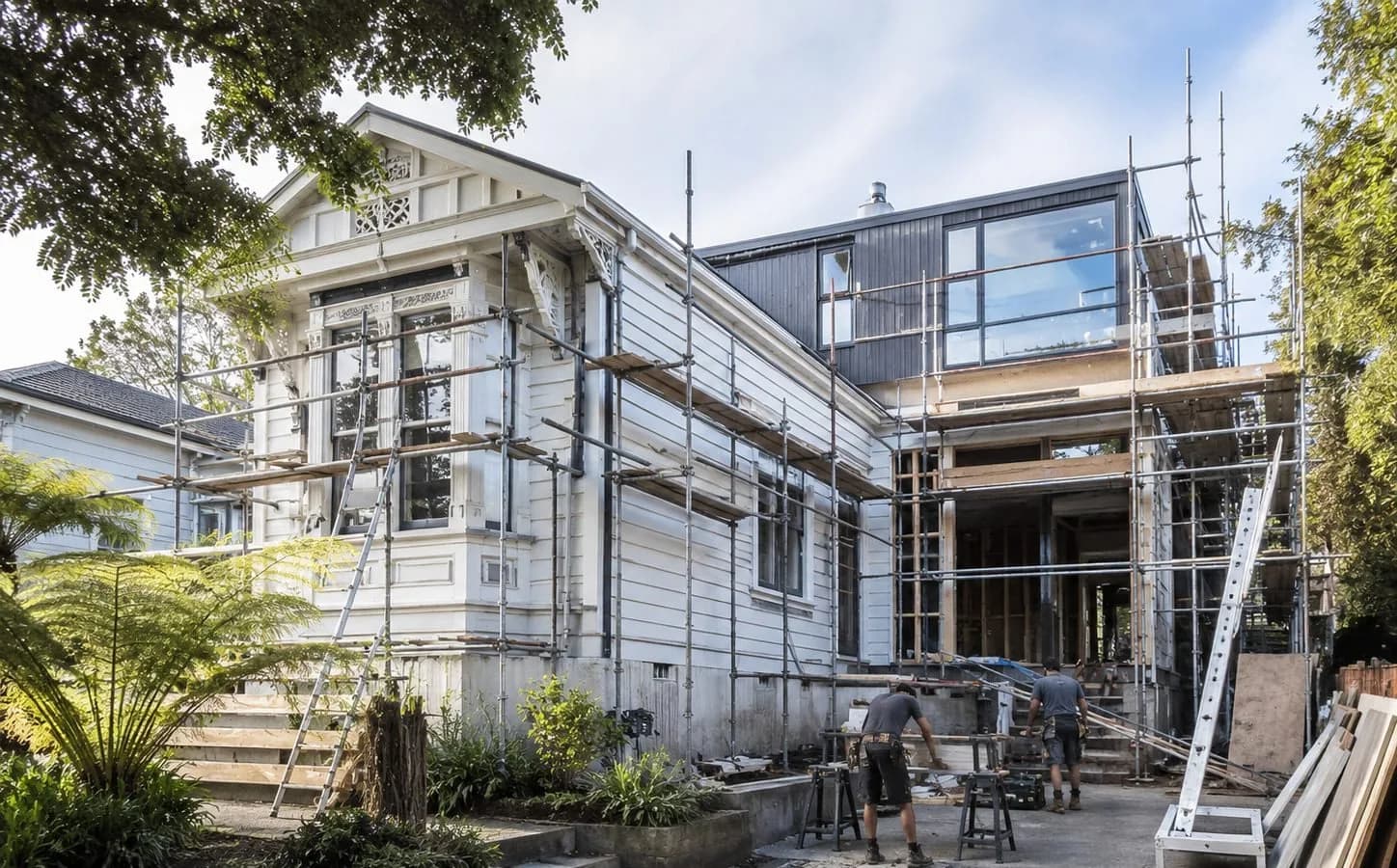
Illustrative house renovation with scaffolding and a team on site
Try itChoose a step, or follow the action inside the example workspace.
Project recordPayments & accounts · setup required

Payment and accounting previews require setup.

TCH / Kōwhai House / Example workspaceDemo

Site instructions

SI-014 · Additional deck landing

Recorded
The client requests an additional deck landing. Record the scope before work begins and keep the revised drawing with the instruction. Work to A-104 Rev C.
A-104 Rev CWritten scope attachedRowan · architect
Step 1 of 9
Interactive demonstration · fictional records · no real transactions

Sign on site

Hand the phone over the fence.

Keep the acknowledgement with the work. Try TCH’s typed-name signing flow using the fictional client Alex.

Day-work · Kōwhai House

DW-022

Awaiting acknowledgement

Additional deck landing
16 labour hours · timber & fixings

Direct cost, excluding GST$2,080.00

Demo only. This does not sign a real ticket or approve a variation price.

Kept with the project

Once signed, the name stays with the work and the instruction.

Acknowledge the work and see the name carried into DW-022, linked back to SI-014.

SI-014DW-022VAR-007

Local example state. Reset the example or reload to start again.

Project reports

The client sees the job.
You keep building.

Bring the site photos, progress and next decisions into one clear update.

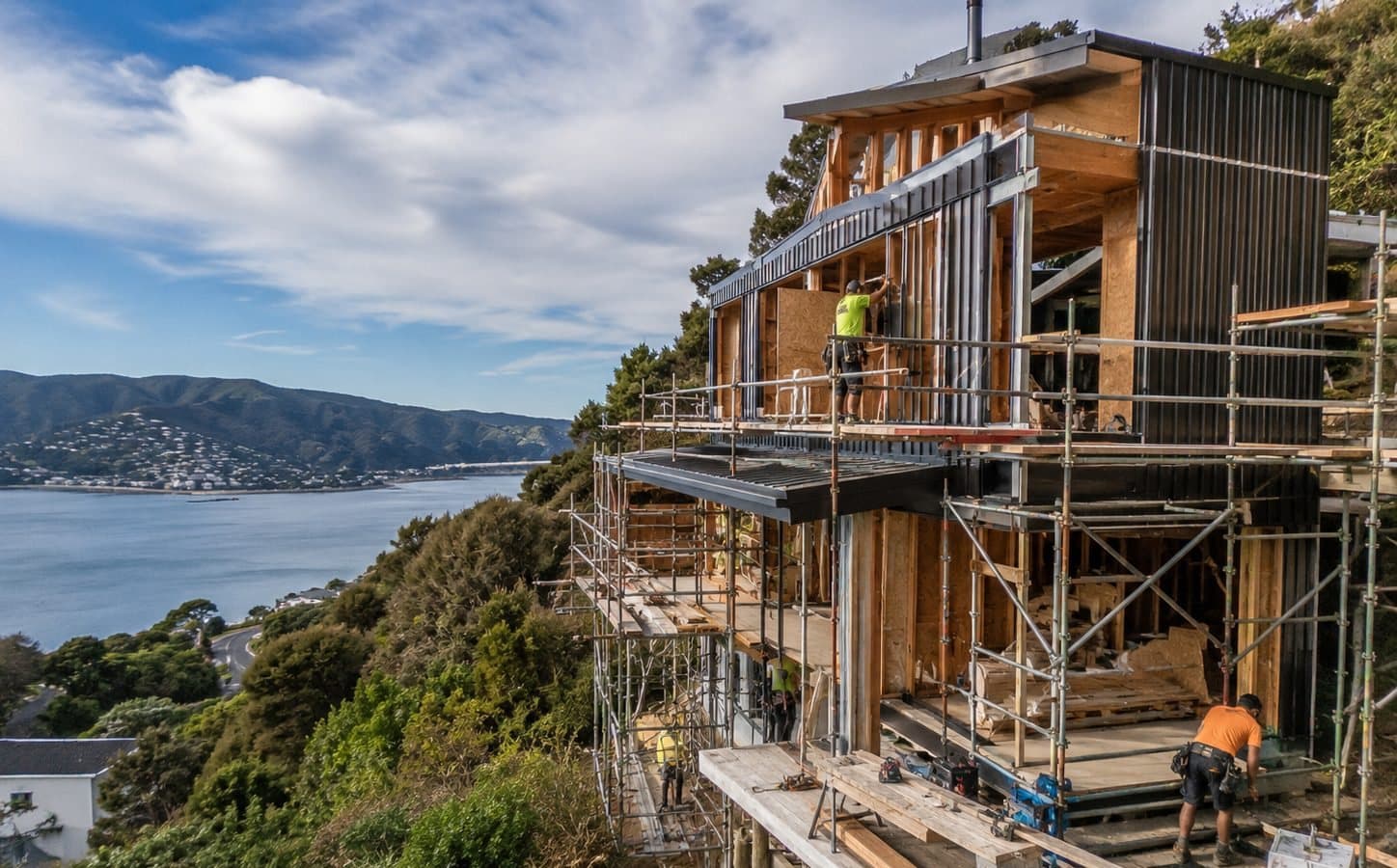
Illustrative progress on a coastal home under construction
TRY THE REPORTWork through the report on the phone. The client’s copy redraws as you go.

Client report

Progress Report

Report 6 · 9 to 13 NovDraft

Report details

Report
Report 6, weekly
Period
9 to 13 Nov
Client
Alex & Sam

281 of 700

The builder, on site

Example-building-company-Progress-Report-06-2026-11-13.pdfPDF · 4 pages

Example building company

Progress Report · Report 6Kōwhai House

Progress Report · Report 6

Kōwhai House

Example address, Wellington

Report date
13 Nov 2026
Reporting period
9 to 13 Nov
Prepared by
Mara
Prepared for
Alex & Sam
Report number
6

Project update

North elevation weatherboards are installed and the deck landing is built to drawing A-104 Rev C. The roofer starts Monday and the services rough-in carries on, subject to the agreed programme. Two decisions are needed from you next week: the exterior colour and the finish change.

Completed items

  • North elevation weatherboards installed.Completed 11 Nov 2026
  • Deck landing built, following A-104 Rev C and instruction SI-014.Completed 12 Nov 2026
  • Roof framing checked with the roofer ahead of Monday’s start.Completed 13 Nov 2026

Work in progress

  • Weatherboards to the east and west elevations.Carpenter
  • Electrical and plumbing rough-in.Electrician, plumber
Example building company · Kōwhai HousePage 1 of 4

Preview only. No report has been sent.

Example project and illustrative photos. This demonstration stays in your browser; no report is sent.

Start with what needs you

See the decision holding up the next step.

A question before an order. A question on a drawing. A variation awaiting a decision. Open the context before taking action.

Explore the workspace

TodayFri 13 Nov

Kōwhai House · Example

Three things to follow up.

3 open · 0 cleared today

Question · RFI-012

A joinery question needs an answer

Answer needed Mon 16 Nov

The plan and the supplier’s quote show different island lengths. Confirm the agreed dimension before the order is placed.

On the plan
2.4 m
On the quote
2.7 m
Asked
From site, by Mara
Holding up
The joinery order
  1. 11 Nov, 2:40 pmMara asked the question from site.
  2. 12 Nov, 9:05 amThe benchtop quote was attached.

Local demonstration. No project records or notifications are created.

Keep the team on the same drawing

The change, the drawing
and the answer. Together.

See which revision is current and keep questions with their drawing. Switch revisions in this example to see a laundry outlet move.

A current record gives the team a reference. Check downloaded and printed sheets before work proceeds.

A-201 · Laundry layoutKōwhai House · Architectural · Construction issue

Rev C · current
AB123 0001 650CABINETTUBWMDRYHWCLAUNDRYC450NOutlet position · Rev C
Project
Kōwhai House, fictional
Drawn
Rowan, example architect
Issued
10 Nov 2026
Scale
Not to scale
Sheet
A-201 Rev C

Outlet moved to suit the selected cabinet. Rev C issued 10 November.

Revisions

Rev C issued to

  • Plumber11 NovAcknowledged
  • ElectricianSent 10 NovNot acknowledged

Kept with this drawing

Simplified demonstration drawing · not for construction

The workspace, in your hands

The same job.
Everywhere you work.

Record the day on site. Review the current drawing. Plan the next stage. Explore real TCH screens, built around one example job.

iPhone / Site diary

Record it while it’s fresh.

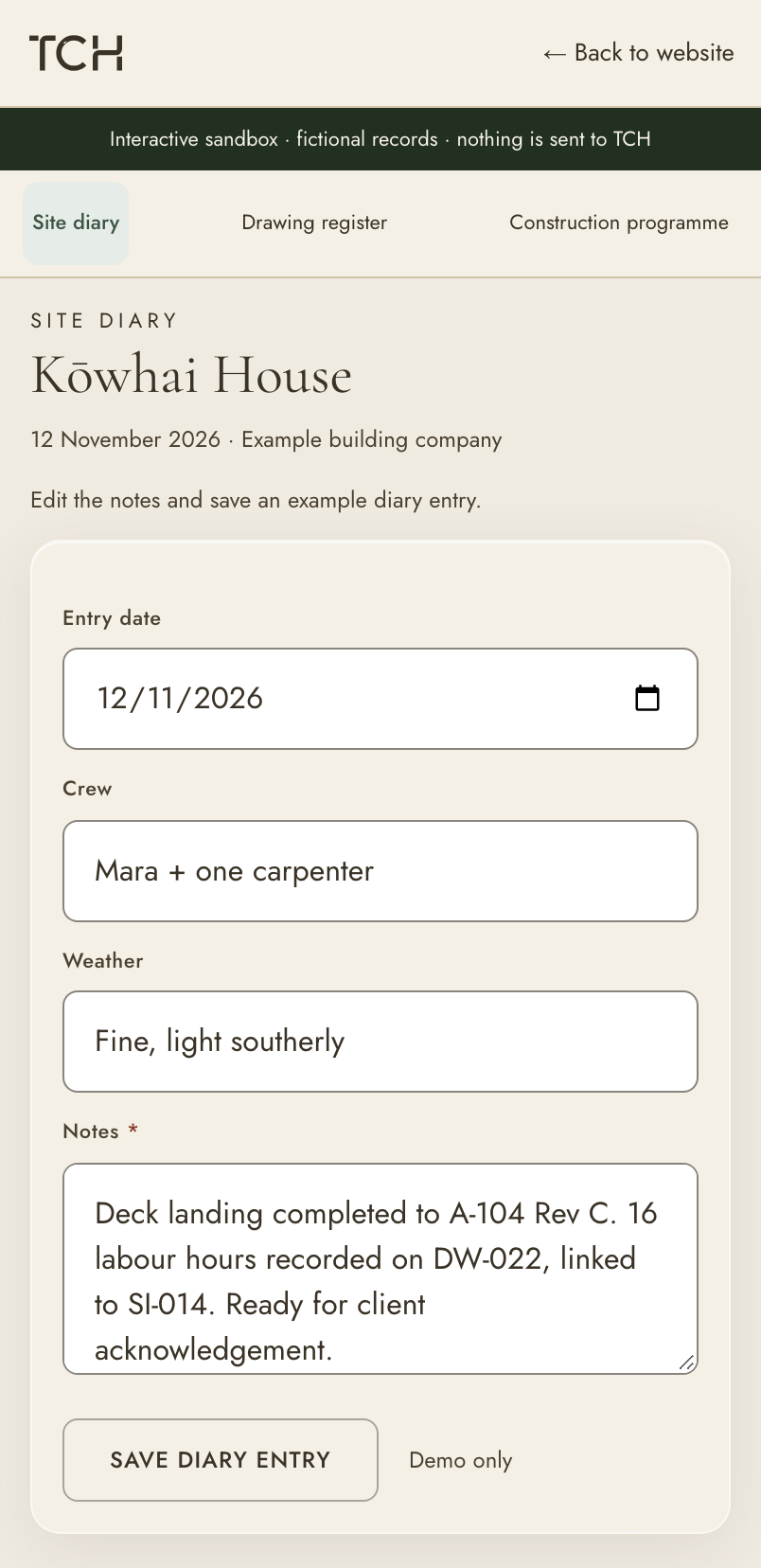
The crew, the weather, the work. Write the day up on site, with the instruction and drawing references beside you.

Try this workflow

Interactive demo opens at full size.
Example data. No real project changes.

iPhone capture of Site diary in the TCH sandbox. Fictional Kōwhai House records, rendered at the device's own viewport.

Real TCH components. One fictional construction project.

Explore the connected workflows
The Contractor HubNative mobile companion

App Store · iPhone app in testingiPhone · Store listing to follow

Google Play · Not yet availableAndroid · Public release to follow

Download links will appear when each public store listing is live. These demos show the responsive web workspace.

Inside the workspace

See the actual TCH interface.

Programme, drawings and budget, captured from TCH with fictional project records. Open a capture to inspect it at full size.

Know what happens next.

Keep activities, dates and progress on the programme, where the team can refer back to them.

TCH programme showing scheduled activities on the fictional 127 Beach Road project

Product capture · fictional demo records

You run the job. Your client and subbies join free.

The business running the job pays. The clients, trades, architects and consultants it invites never pay. Each sees what their role on the job allows. Your own staff count towards your plan’s users.

Live InterfaceYour trade business

Runs the job

Joins freeClient

Updates and decisions

Joins freeOther trades

The work shared with you

Joins freeArchitect

Drawings and answers

Joins freeConsultant

Your part of the project

Find your place in the project

Bring your next job together.

Your profile is free. Choose a workspace when you are ready to run your own jobs.